Skylight Calendar Review: Does it Really Help Manage the Chaos?

Would you like to save this?
I’m at the point in life and parenthood where things are just wild. If you are there, nodding in agreement, then you probably need no more explanation. But in any case, I will expound. We have two working parents, one who travels frequently for work. Two kids in travel hockey all fall and winter, and combination of lacrosse, travel baseball, golf and more hockey in the spring. Our third child goes to pre-k, but also had a sitter some days after school. But not every day! And my mom watches her on Friday morning. Don’t even get me started on spirit weeks, class projects and birthday parties.
Til now, I have managed it with multiple calendars, including a physical one and a Gmail/Apple mail combo. And I still didn’t feel organized.
I’d heard about the Skylight calendar a while back, but hadn’t bit the bullet because I honestly felt like our schedule was beyond help, and it would be just one more thing to manage.
But then I hit a breaking point earlier this year when I was tired of keeping everyone’s schedule, and having multiple people ask me what was happening that day, every single say. So, I decided to try it.
When the Skylight arrived, I didn’t know whether to laugh or cry because the marketing on the packaging was so spot on.
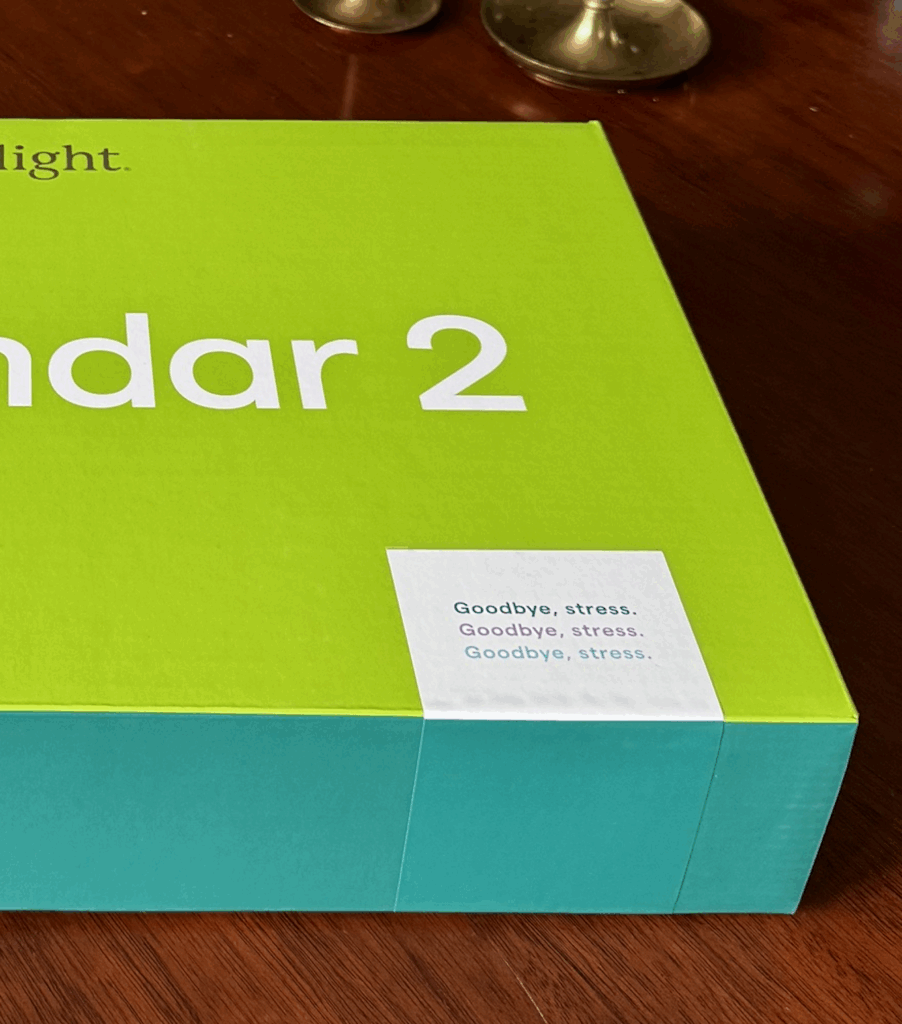
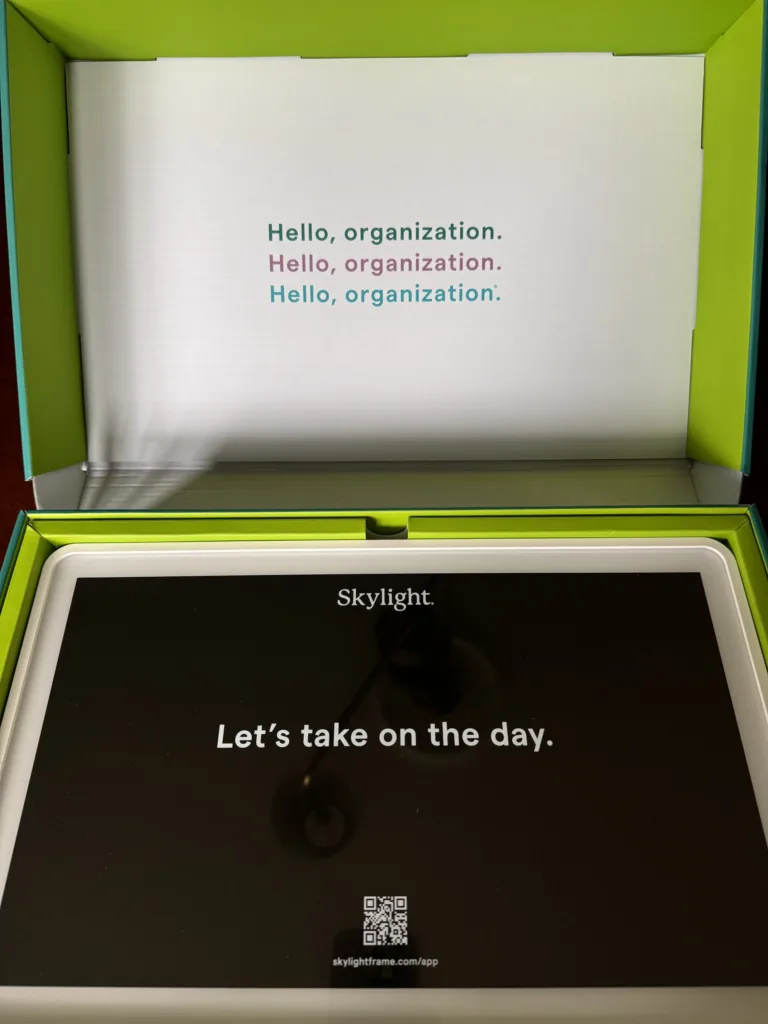
Do they know their target audience or what?
After opening it, I had to decide where to put it. The monitor comes with a hanger as well as an easel-style stand, so you can either put it on a wall or a counter/table. I chose my kitchen counter because, as much as I dislike countertop clutter, this was the most practical spot. We’re always in the kitchen.
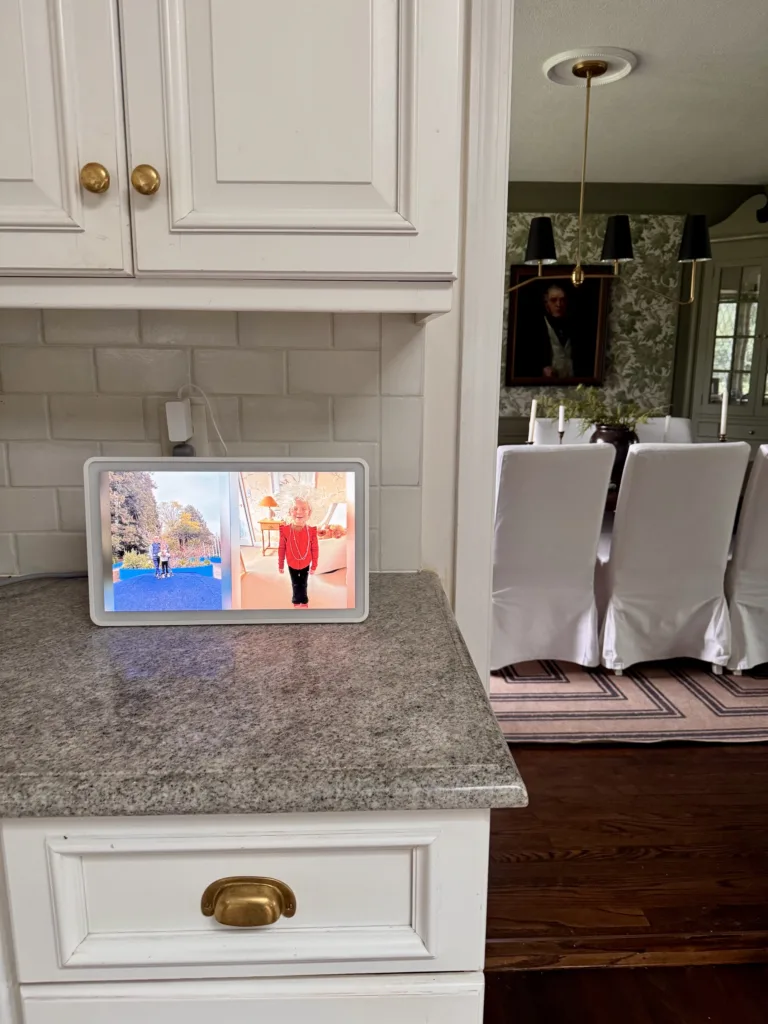
From there, it didn’t take long to set up. I plugged it in, downloaded the app, and connected it to the device. The app prompts setup instructions, including how to import various calendars (Google, Apple, Outlook, various sports app calendars) and how to create you family’s Skylight email address (which is one of my favorite features, will share more in a minute).
The app is also how you can upload photos to feature on the calendar homescreen.
All-in-all, it probably took 30 minutes to get up and running.
Shop the SKYLIGHT

Here’s what I love about the Skylight calendar
Now that I’ve been using the Skylight calendar for a few months, it’s been interesting to see the features that are actually making the most difference in my mental load. Especially because the two things I love most about it were not actually things I’d thought about or knew about when I got it. They just happened to become my favorite features.
They are:
The Skylight Email Address.
This one has been the biggest game changer for my mental load. Bascially, each Skylight account gets an email address where you can send things you want to add to the calendar …. and it will automatically add them for you. You can forward it an email from school with the dates of field day, and spirit week, and the class party, and it will add those dates directly to your calendar. You can forward travel bookings. Dinner reservations. Party invitations. You name it.
You can also take a photo(!) of a note from school or hard-copy birthday party invitation or a sports calendar, and email the photo to your Skylight address, and it will add those things to your calendar too!
This is miraculous for me, because before that involved me creating those entries on the calendar, which didn’t always get done in the moment and then I would often forget Now, an email with a date comes in, and I just forward it to the calendar. I LOVE THIS.
Sharing With People Outside Your Home
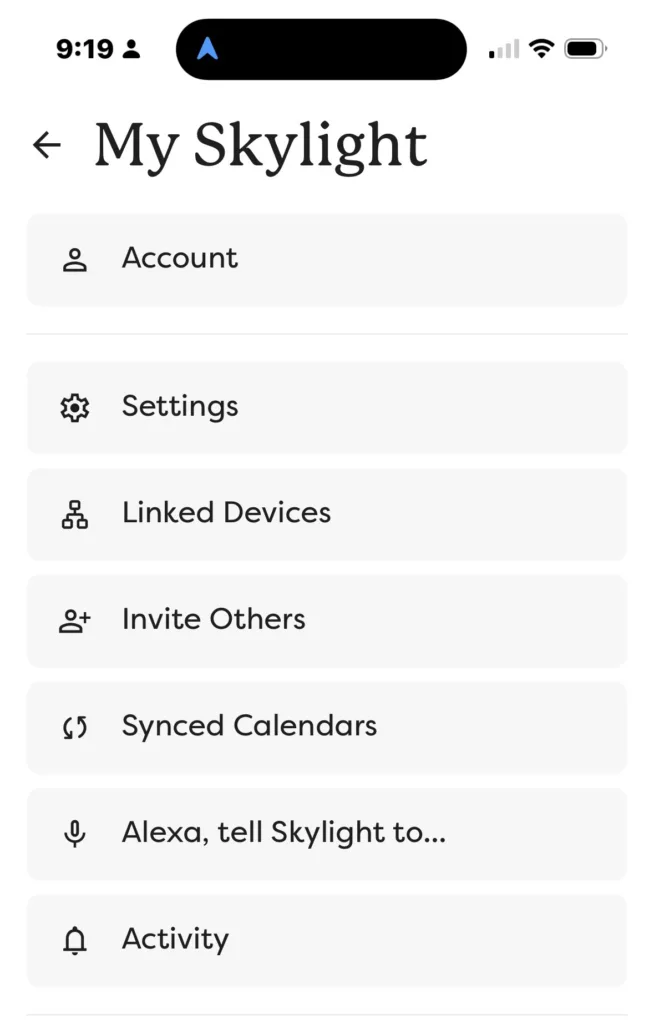
Another feature I didn’t expect to be so helpful was the ability to share the calendar with people who don’t live with you. I personally share mine with my mom, because she was constantly asking me when the kids sports games were over the weekend, in case she wanted to come. Now, she just looks at the calendar and she can see when everything is.
It would also be great for families with nannies or babysitters who want to check the schedule for the day.
Aside from those unexpected perks, there are a number of other features that I love about the calendar, which were more along the lines of what I expected to get from it.
The Freedom From Keeping the Schedule.
I love that when my kids ask me what we’re doing today or if they have sports, I just tell them to go look at the calendar. Wells, my oldest son (10), will even go check unprompted.
It allows other members of my family to keep the schedule, so everything is not just constantly in my brain.
Shop the SKYLIGHT
A few things I thought I would love more about the Skylight Calendar
One of the selling points of the calendar to me was the tasks feature. You can add and assign tasks, like chores, to your family members. Then, each person (the kids in my case) can check their tasks for the day (and actually check them off when they’ve done them).
In my family, we did this for about a week, before the kids stopped checking the chores ever day and I sort of stopped adding new ones. I’m sure in a more disciplined household this would be a great feature, and maybe it’s one we will use more often in the future.
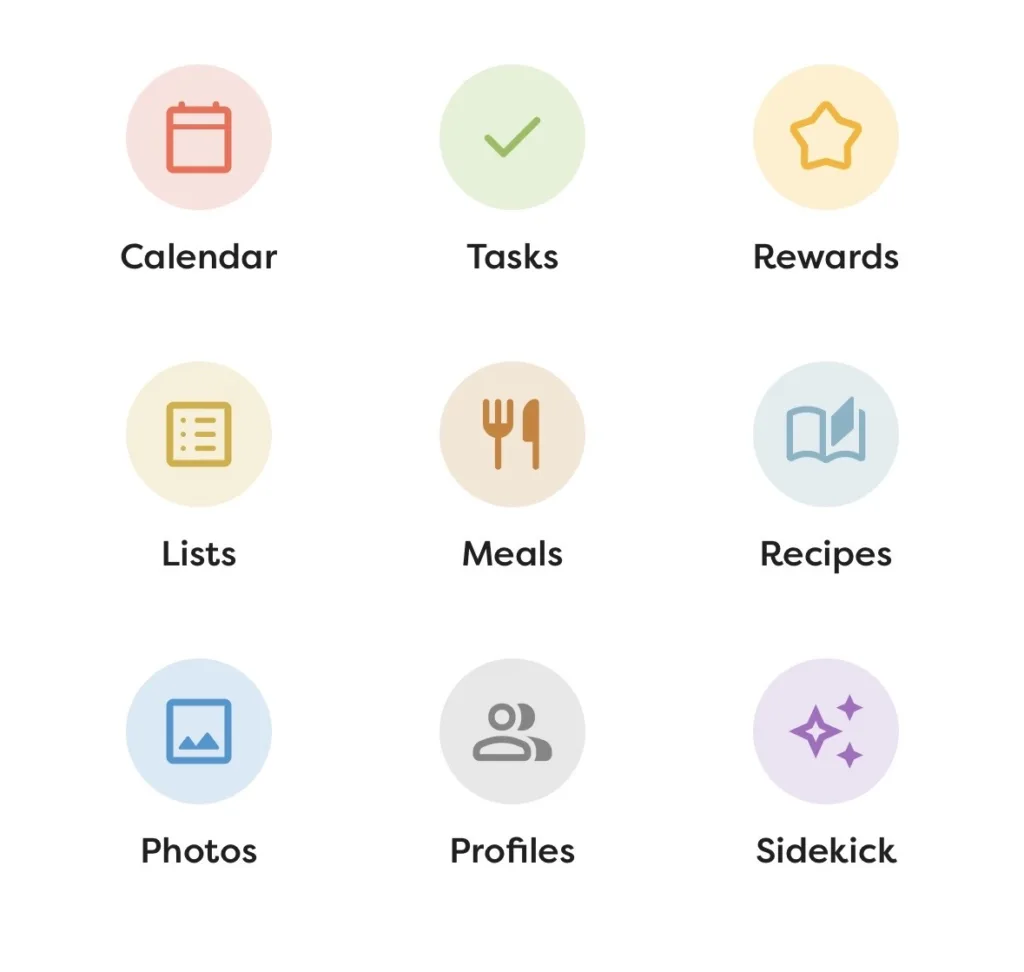
Overall, there was really only one thing that disappointed me about the Skylight calendar, and that was the rewards feature. The premise of the rewards is that, when someone, i.e. your kid, completes a certain number of tasks and checks them off, they can get “rewards.” I wanted this to be automatic. For the screen to erupt in praise when the goal # of tasks were completed. Instead, I have to go into the app and manually give the kids rewards, which again, is something I stopped doing a few days after we got the calendar.
I think if Skylight could close that loop, where the rewards were done automaticlaly on the device, that would also motivate the kids to keep checking in. Again, something that might happen in a future edition.
Shop the SKYLIGHT
Features I haven’t tried yet.
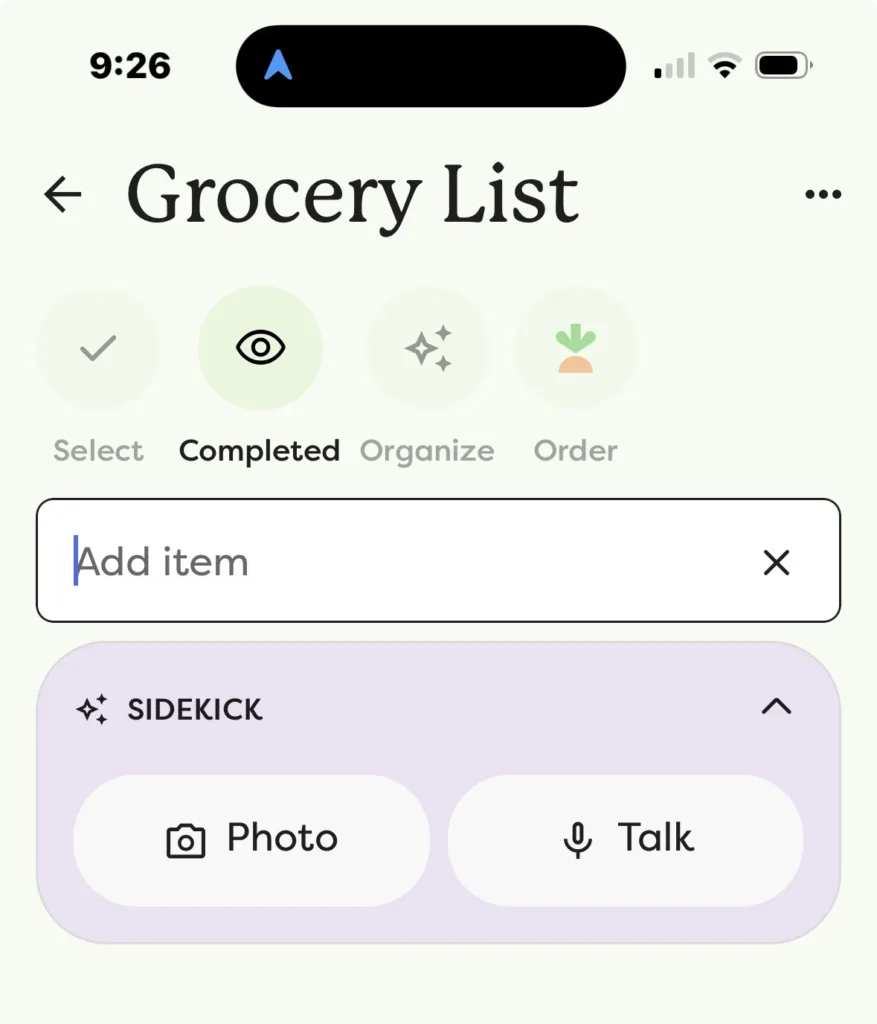
You can also upgrade to Skylight Plus, which expands the calendar beyond basic scheduling. I did this, but I haven’t fully tested all of those features yet, so I can’t give a true review of them.
One of my friends uses her Skylight for meal planning and grocery lists, and even has it connected to Instacart so she can order groceries directly from her list. This sounds incredibly convenient in theory, especially for the dinner-decision-fatigue stage of parenthood, but I haven’t used it enough yet to give a real opinion.
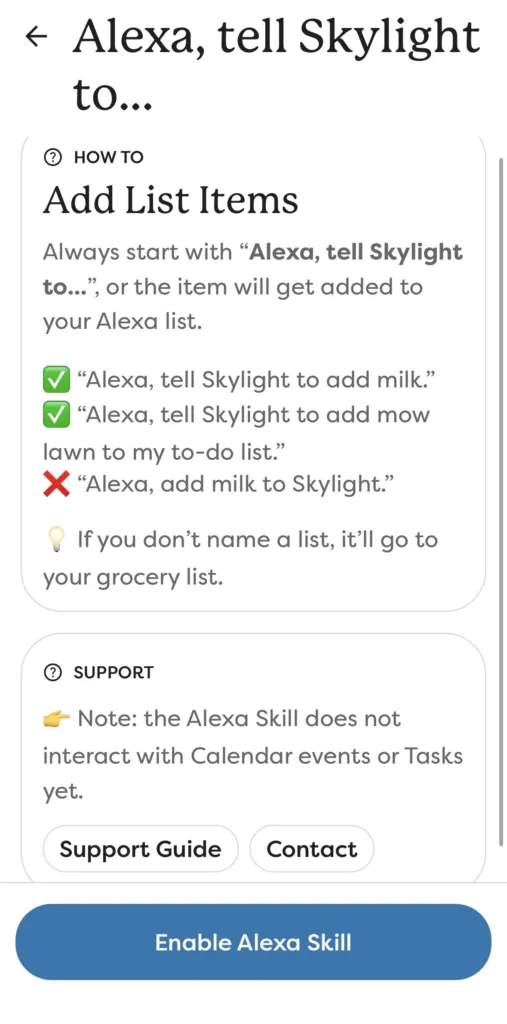
The same goes for some of the more advanced tools, like the fridge picture, where you take a picture of what’s in your fridge and Skylight suggests meals to make. There is also an Alexa skill where you can say “Alexa, tell Skylight to ….” and it will add items to your shopping or to-do lists (not the calendar yet, though).
I know the features are there, and I can see how they would be helpful, but for now, I’ve mostly used Skylight as a command center for our schedule. And honestly, that alone has made it worth it.
I do hope to try out some of the more advanced features in the next school year, though, and will update when I get to them!
Pros & Cons: Quick List
| What I Loved | What I Didn’t Love |
|---|---|
| It centralizes the family schedule. The biggest benefit is that everyone can see what’s happening without asking one parent to keep track of every practice, appointment, school event, and birthday party. | The rewards feature is more manual than I was hoping. I wanted rewards to happen automatically when my kids completed tasks, but I had to go into the app and assign them myself. |
| The Skylight email address is genuinely useful. You can forward school emails, travel bookings, party invites, and even photos of paper schedules to your Skylight email address, and it can add those dates to the calendar. | The task feature still takes commitment. The chores and tasks tool is helpful in theory, but it only works if your family actually checks it and you keep adding to it. |
| It helps get the schedule out of one person’s head. My kids can check the calendar themselves, which means I’m not constantly answering “What are we doing today?” | Some of the more advanced features require an upgraded subscription. Tools like grocery lists and meal planning can be useful, but some of the extras require Skylight Plus. |
| You can share it with people outside your home. This is helpful for grandparents, babysitters, nannies, or anyone else who needs to know the family schedule without texting you for updates. | |
| Setup was fairly easy. It took about 30 minutes to plug in the device, download the app, connect calendars, and get it up and running. | |
| It displays family photos when not in use. When the calendar isn’t active, it can go into photo mode and show a slideshow of family photos. |
So, Is the Skylight Calendar Worth It?
For my family, yes. Absolutely.
It has not magically made our schedule less chaotic. We still have all the things to do. But what it has done is make that chaos more visible, more centralized, and less dependent on me as the only person who knows what is happening in my poor, overstimulated brain.
That is the real value of the Skylight Calendar, in my opinion. It is not just a pretty digital calendar. It is a way to get the family schedule out of one parent’s brain and into a place where everyone can see it.
Is it perfect? No. I wish the rewards feature were more automated, and I think the chores feature only works if your family is actually committed to using it. But the calendar itself, the email-forwarding feature, the ability to share it with grandparents or sitters, and the simple fact that my kids can now check the schedule themselves have all made a noticeable difference!



The Skylight email-forward trick for school notes and party invites is exactly the mental-load win busy parents need — and sharing the calendar with your mom so she stops texting for game times is the grandparent angle done right. I also liked that when the calendar isn’t in use it drops into photo slideshow mode on the kitchen counter. I made PicDock for the case where the house already has a spare tablet and you mostly want photos plus a few short clips in one slideshow, without buying another screen just for pictures. Soft fit as a second display in a hallway or bedroom when Skylight already owns the command-center counter. http://devdad.kr/picdock/index.html